
Shopify Call Button app
Create your Click to Call app
Screenshots
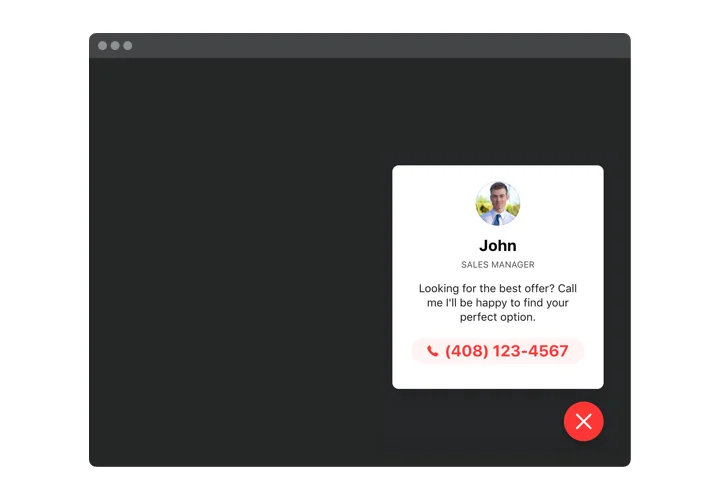
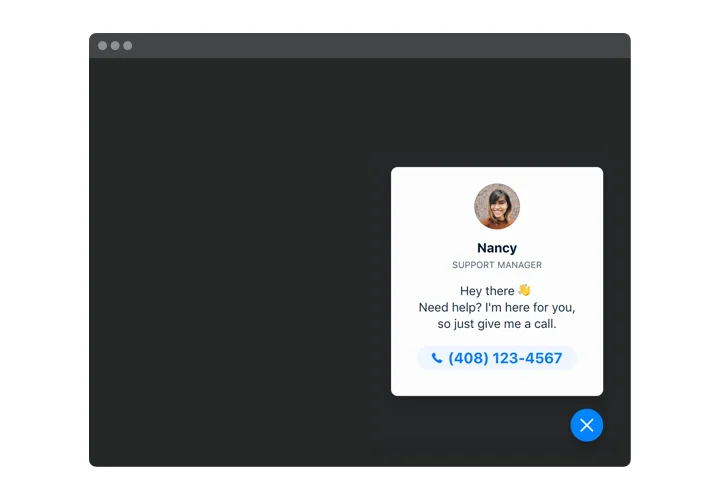
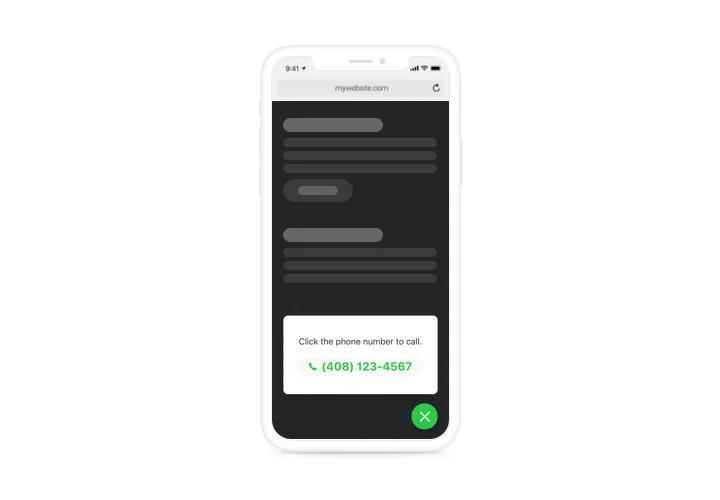
Embed Click to Call on Shopify with the Elfsight widget
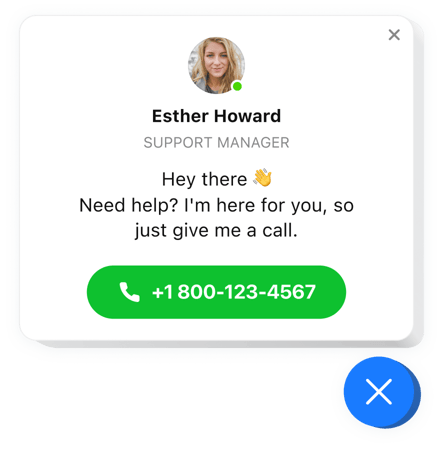
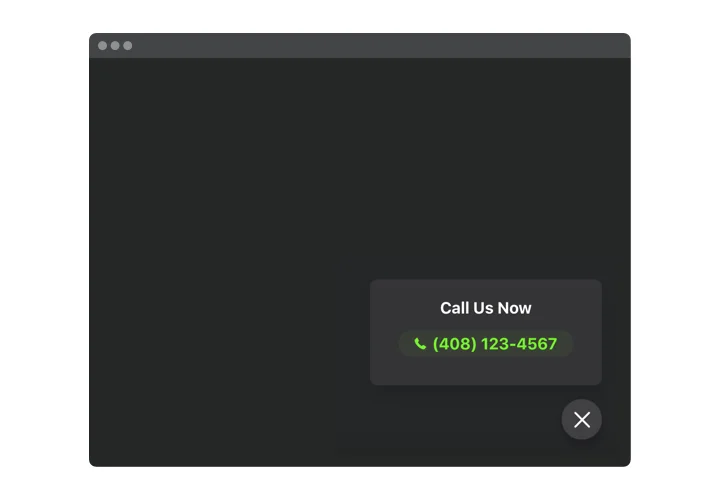
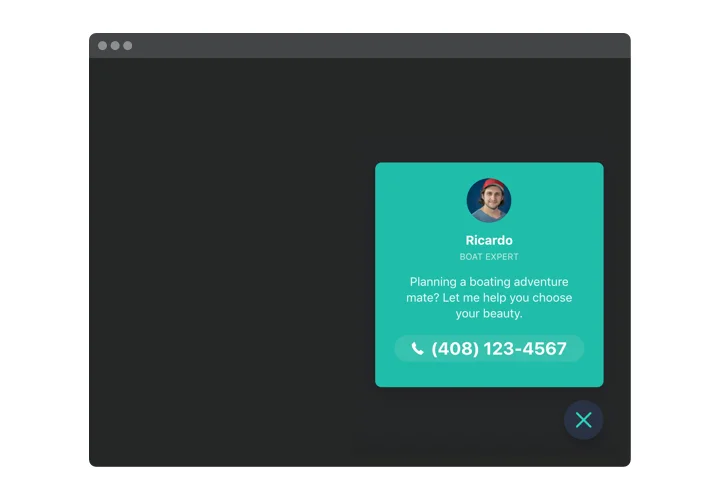
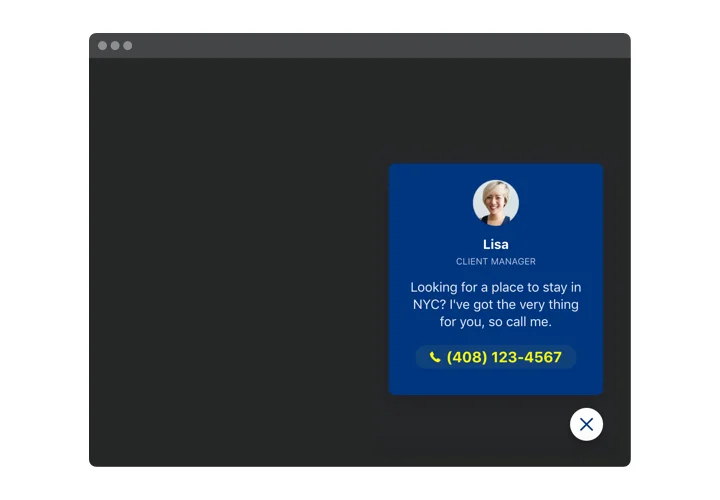
Elfsight Call Now Button is an uncomplicated app for any website, that makes it handier for users to make a phone call. Viewed from mobile phones, the app starts dialing the number, when a person clicks the phone icon. On PCs and tablets, the click reveals your phone number on the page and helps users phone you the same second. It’s possible to not only reveal the number, but also display the call window where users can see the name and picture of the contact person and a custom text. All these elements are switchable and allow designing you to get different looks of the interface. There’s also an option to select a trigger that activates the phone bubble and select a category of visitors who will see it.
Main features of the Click to Call widget
To form a better understanding of Call Button, view the list of the main features. They make our app maximum beneficial for you:
- Instant phone calls on mobiles;
- Three inbuilt variants of widget placing: Left or Right floating or custom;
- The option of embedding widget on specific pages or excluding pages;
- Three types of users who will see the widget: all, new, or returning only;
- Inbuilt widget activating triggers: time spent on the page, time spent on the website, scroll amount, or an attempt to leave the website.
How to add the Call Now Button to your Shopify store
A couple of quick steps are the only thing you need to publish.
- Employ our free editor and start working with your custom-built app.
Find the preferable look and aspects of the app and apply all the corrections. - Get the unique code popping up in the box on Elfsight Apps.
After the establishing of your app is over, copy the individual code at the appeared box and keep it for further use. - Commence employment of the app on your Shopify website.
Integrate the code saved before into your website and save the adjustments. - Done! The integration is fully performed.
Go your website to see in action the work of the app.
Still can’t make a decision? Or have questions to ask? Just a single request to our support team will settle every question.